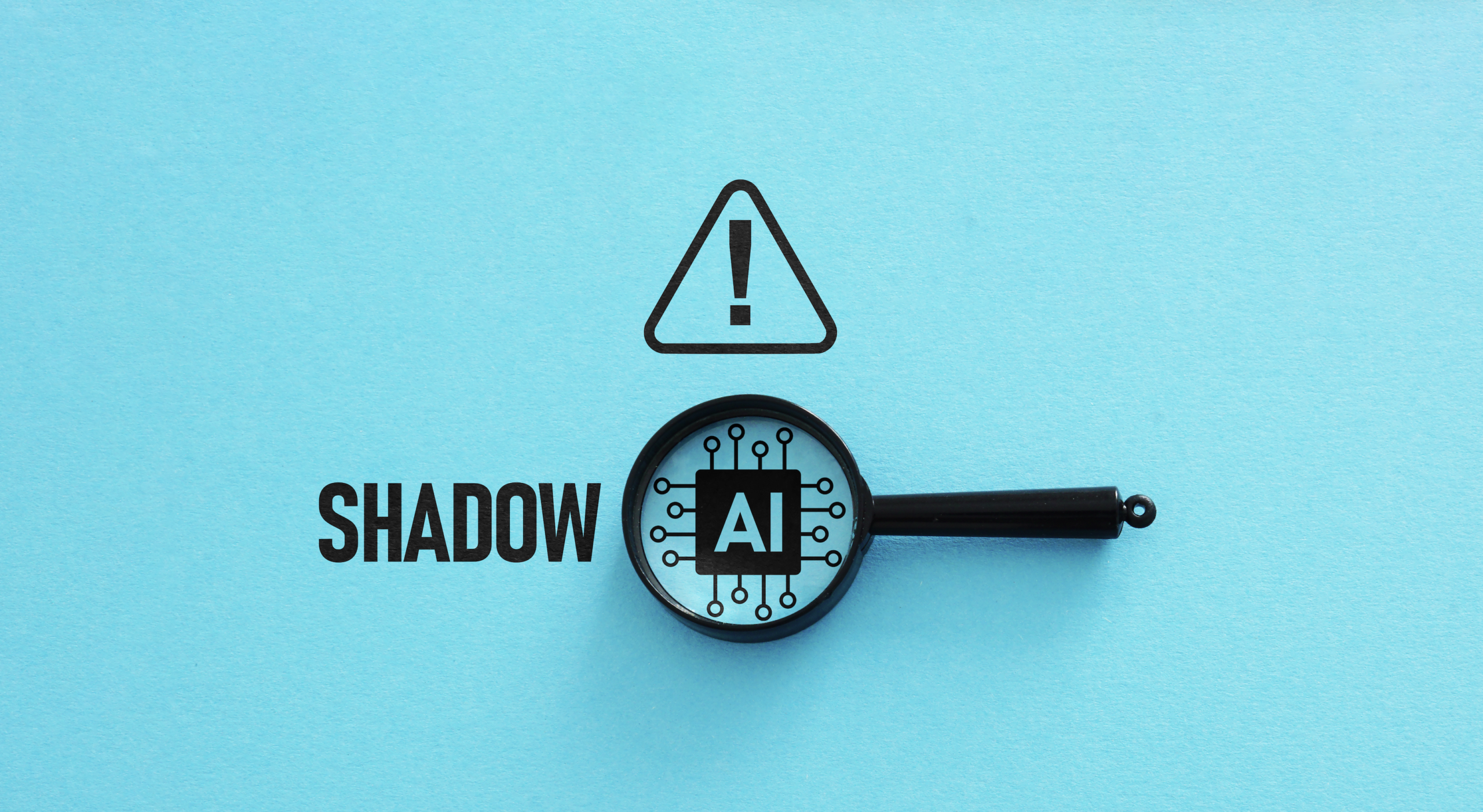
Ask a business owner whether the team uses AI, and the answer is often "a little." Ask the employees, and the answer changes. Shadow AI lives in the gap between those two answers. It's the AI use leadership doesn't see, and it's far more common than most owners expect.
One survey of office professionals found that 43% had entered work correspondence into public AI tools outside company systems. Emails, client messages, internal notes. All of it sitting in tools nobody at the company approved or monitors.
Shadow AI is one of the biggest risks tied to AI in the workplace. The good news? It's findable. Most businesses can get a clear picture of what's running within a few weeks, perhaps sooner, once they know where to look.
What Is Shadow AI?
Shadow AI is any artificial intelligence tool employees use for work without approval from IT or leadership. It's a close relative of shadow IT, the older problem of staff signing up for personal file sharing or email accounts to get work done. The difference is what AI does with the data. A file storage app holds information. An AI tool reads it, processes it and, depending on its terms, may keep it.
Shadow AI shows up in more forms than most people realize:
- Personal ChatGPT, Claude or Gemini accounts used to draft emails or summarize documents
- Browser extensions that rewrite text or summarize pages, often with access to everything on screen
- AI notetakers that join video calls and record the conversation
- AI features added to software the company already pays for
That last one surprises people. A business approves a PDF editor or a CRM, and a year later the vendor adds an AI assistant. Nobody reviewed that feature. It just showed up one morning after an update.
Why Employees Turn to Unapproved AI Tools
Most employees using unapproved AI tools aren't trying to break rules. They're trying to get through their workload. A Microsoft poll of UK workers found that 41% used consumer AI tools because they already relied on them personally, and 28% said their employer offered no approved alternative.
That second number matters most. When a business provides no AI tools, employees find their own. Honestly, most owners would probably do the same thing in their shoes.
Pressure plays a part too. A bookkeeper facing 200 receipts at quarter-end isn't going to wait three months for an IT policy, so she finds a tool that reads receipts and moves on. Blocking everything without offering a replacement rarely solves this. It usually pushes shadow AI further out of sight, which is worse.
The Shadow AI Risks Businesses Can't Ignore
Not every unapproved tool causes harm. Plenty are harmless. The trouble is that nobody knows which ones, and that uncertainty is where the shadow AI risks come from.
Sensitive Data Leaves the Business
Free AI tools often store prompts and uploaded files. Some use that content to improve their models. Once a client's tax return or a patient's chart goes in, the business can't pull it back out. CISA and its federal partners have published guidance on securing the data AI systems use, and that guidance assumes an organization knows which AI systems it has. Shadow AI skips that step.
Compliance Problems Pile Up Quietly
For medical practices, CPA firms and financial offices, data handling rules don't make exceptions for convenience. AI notetakers are a good example. A 2025 lawsuit against Otter.ai alleged that its notetaker recorded meetings without every participant's consent and used those recordings to train AI models. Picture a bot like that joining a call where a client discusses their finances. That's a compliance headache, maybe a reportable one.
Breaches Get More Expensive
IBM's 2025 breach research found that one in five organizations had experienced an attack tied to shadow AI, and those attacks cost an average of $670,000 more than breaches at firms with little or no shadow AI. The same research found that 63% of breached companies had no AI governance policy. Those two numbers probably aren't a coincidence.
How to Detect Shadow AI in Your Business
Finding shadow AI doesn't require expensive software at the start. A few practical checks reveal a lot. Here's how most businesses can detect shadow AI:
- Ask employees directly. An anonymous survey works best. Ask which AI tools people use, what they use them for and what data goes in. Make it clear nobody is in trouble, because honest answers are worth more than a perfect policy.
- Review firewall and DNS logs. Traffic to sites like chatgpt.com, claude.ai or gemini.google.com shows up in network logs. A properly managed firewall can report on it.
- Audit connected apps in Microsoft 365 and Google Workspace. Employees often grant AI tools access to email, calendars or files through "Sign in with Microsoft" or "Sign in with Google." Those connections appear in the admin console, and the list is usually longer than expected.
- Check browser extensions. AI writing and summarizing extensions can read everything on a page, including web-based email and client portals.
- Watch meeting invites. AI notetakers usually join as a separate participant. An unfamiliar name showing up on client calls is a clue.
- Review AI features in existing software. Check release notes for the major apps the business pays for, then decide whether new AI features should be switched on.
Most businesses find something on the first pass. Usually more than they expected.
What to Do After You Find Unapproved AI Tools
The first instinct is often to block everything. Resist that, at least at first. Sort what turns up into three groups: approve, replace and block. A tool with business-grade data protection terms might be fine to approve. A free tool handling client data probably needs a business-grade replacement. Anything with unclear data practices gets blocked.
Then put the rules in writing. An AI acceptable use policy tells employees which tools are approved and which data never goes into any of them. Short, practical training closes the loop. A 20-minute session with real examples tends to stick better than a long annual video, at least in most offices.
Then check again in a few months. Shadow AI comes back, because new tools launch every week. Detection works best as a habit, not a one-time project.
Getting Help With Shadow AI Detection
Some of these checks are easy for an office manager to handle. Others, like reviewing firewall logs or auditing app permissions across Microsoft 365, take technical access and experience. Plenty of small businesses don't have that in-house, which is one reason a trusted IT advisor matters.
AGJ Systems helps businesses across the Gulf Coast find gaps like these through third-party vulnerability assessments. A free 15-minute discovery consultation is a simple first step toward knowing what's actually running in the business.
Frequently Asked Questions
What is shadow AI?
Shadow AI is any artificial intelligence tool employees use for work without approval from IT or leadership. Common examples include personal chatbot accounts, AI browser extensions, AI meeting notetakers and new AI features inside existing software.
What is the difference between shadow AI and shadow IT?
Shadow IT covers any unapproved technology, such as personal file sharing or email accounts. Shadow AI is a subset that involves AI tools. The key difference is that AI tools actively read and process data, and some keep it or use it to train their models.
Why is shadow AI dangerous for businesses?
Shadow AI can expose client, patient or financial data to tools the business doesn't control. It can create compliance problems under rules like HIPAA, and research from IBM found that breaches tied to shadow AI cost organizations an average of $670,000 more.
How can a business detect shadow AI?
Start with an anonymous employee survey. Then review firewall and DNS logs for traffic to AI sites, audit connected apps in Microsoft 365 or Google Workspace, check browser extensions, watch meeting invites for AI notetakers and review AI features in existing software.
Should a business block all AI tools?
Blocking everything usually backfires because employees find workarounds. A better approach is to approve safe tools, replace risky free tools with business-grade versions, block tools with unclear data practices and back it all up with a written AI acceptable use policy.